Reports & settlements
The Agent
Updated on Wednesday 30 September 2026
Ask your shop in your own words and get your own figures back, in tables, charts and links to each record.
The Agent answers questions about your shop with your shop’s data: sales, brands, products, stock, brand payouts, drawers, customers and coupons. Admins use it; counter staff don’t see it.
It only reads. It doesn’t record sales, mark payouts or change anything: when something needs doing, it tells you where and leaves you the link.
Where it is
- On Agent, from Agent in the top bar: the conversation full screen, with your history beside it.
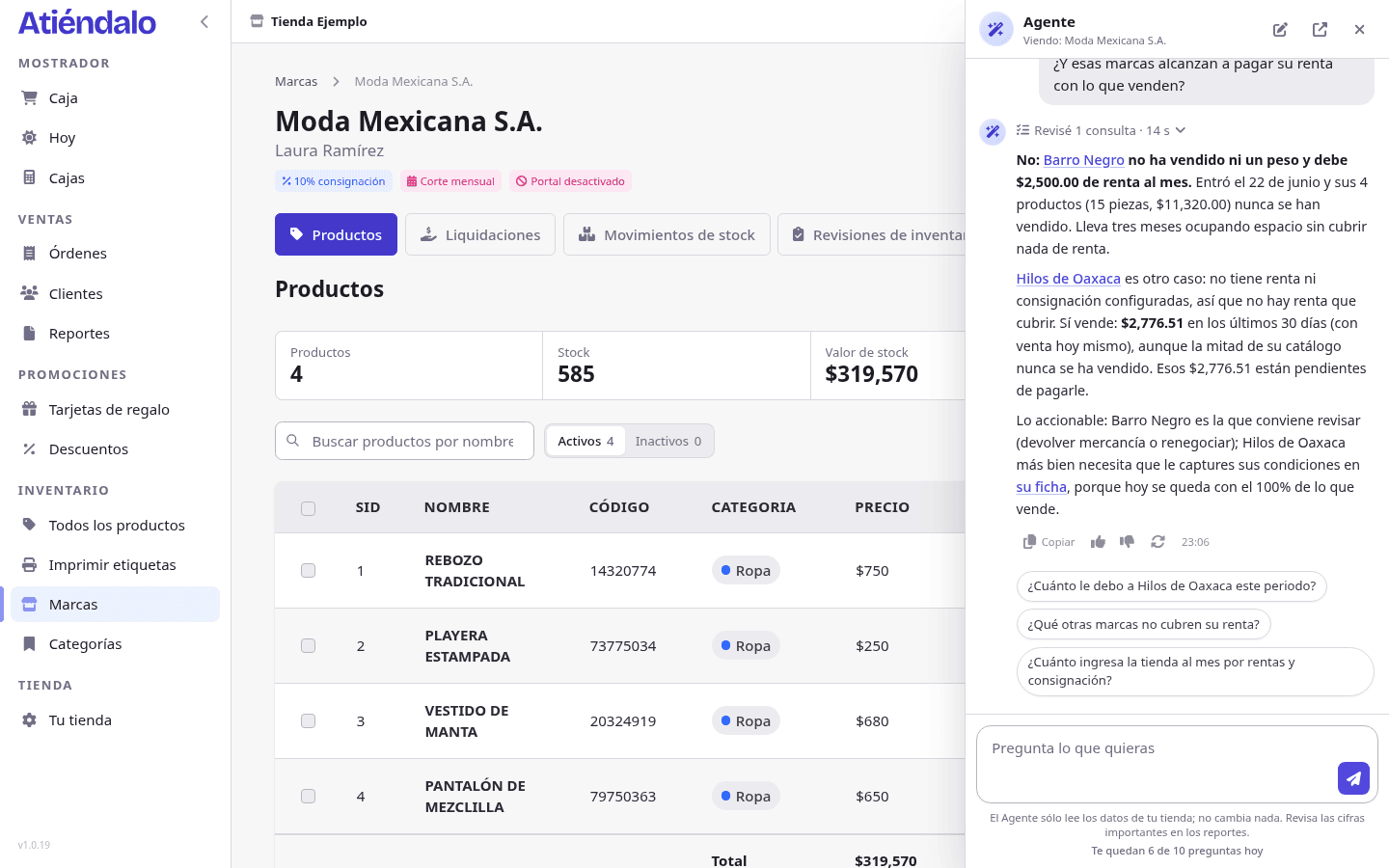
- On any screen, with the button at the bottom right or Ctrl+J (⌘+J on a Mac): a panel opens without leaving what you were looking at. The panel knows which screen is in front of you, so on a brand’s page you can ask “how is this brand doing?”.
What you can ask
- “How am I doing this month against last month?”
- “How much do I owe Luna, and since when?”
- “Which brands don’t sell enough to cover their rent?”
- “Which products haven’t sold in two months?”
- “What time and day do I sell the most?”
- “Why did sales drop last week?”
- “How do I record a return?” (it knows this help too)
Ask the way you’d ask someone on your team. If something is missing, such as the period, it takes the current one and tells you which it used.
How it answers
First the figure you asked for, in bold. Then, when it helps, a table or a chart, and links to the brands, products or orders it mentions. Above the answer, Checked 3 sources shows what it looked up to get there. Below it, suggested follow-up questions.
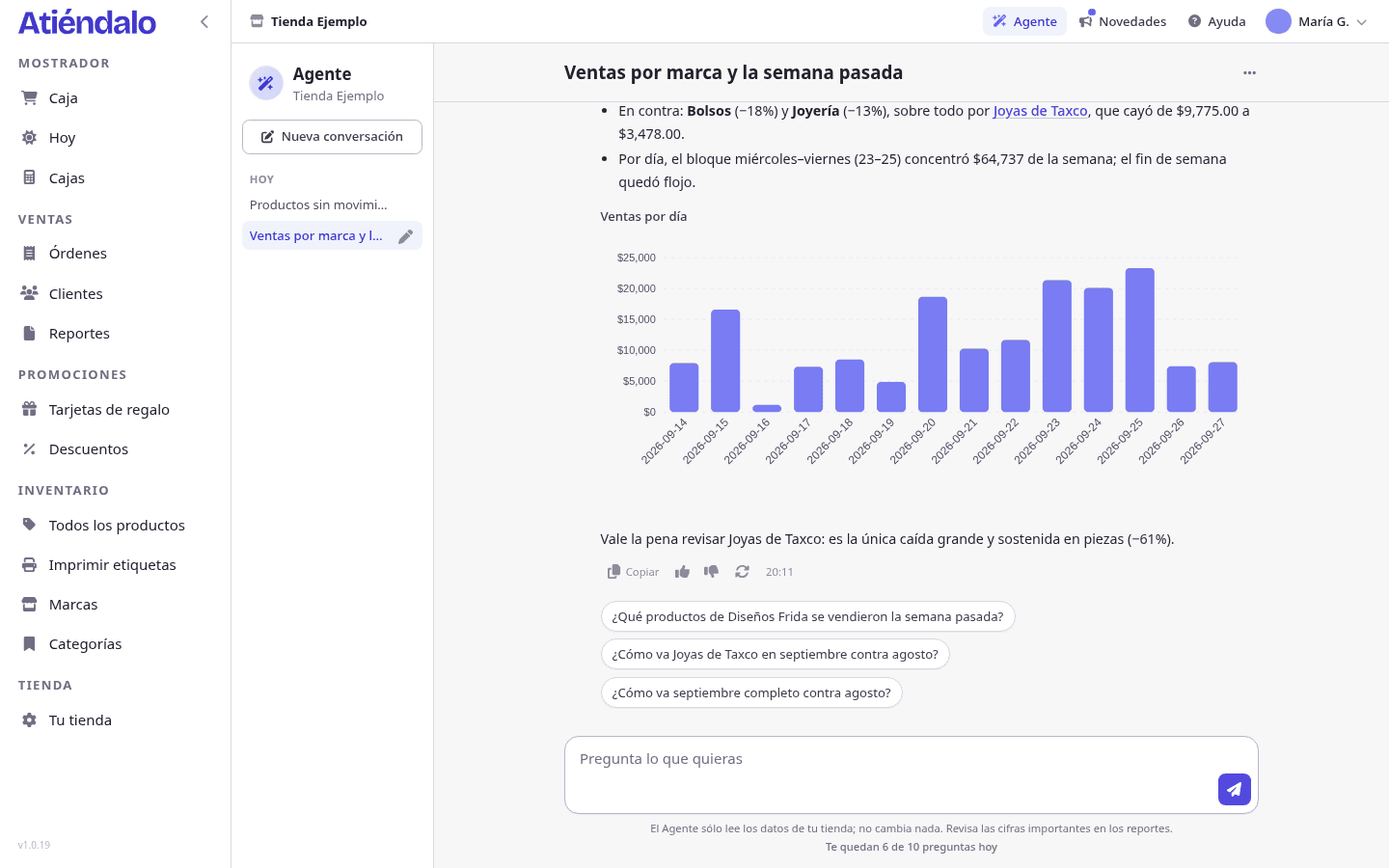
When it doesn’t have a figure, it says so instead of guessing. Its numbers come from the same sales as the reports, so they should match; if one doesn’t, mark it with 👎.
Your conversations
Each conversation is kept in your history with a name the Agent gives it after the first answer. To change it, press the pencil next to the conversation. New conversation starts from scratch.
In a long conversation the Agent summarizes the oldest part to keep remembering it: you’ll see the marker “I remember what came before in summary”. If you change subject, it’s better to start a new one.
How many questions
During the 15-day trial your shop has 10 questions a day, shared by its admins; below the text box you see how many are left. They renew at midnight, your shop’s time, and an answer that fails doesn’t count. With a subscription questions are unlimited: see Subscription and payments.
Rate its answers
Below each answer are 👍 and 👎. With 👎 you can write what was missing; we read it to improve the Agent.
Your data
To answer, your question and the shop data the Agent looks up are sent to Anthropic, the model provider, which doesn’t use them for training. The Atiéndalo team may read conversations to improve the Agent and to support you. The details are in the privacy notice.