Barcode labels
Labels that print exact and scan the first time
Every product is born with its barcode. You print a true-scale PDF, on a thermal roll or an Avery sheet, with a test label to calibrate the printer once.
15-day trial, no card. 500 MXN a month, everything included.
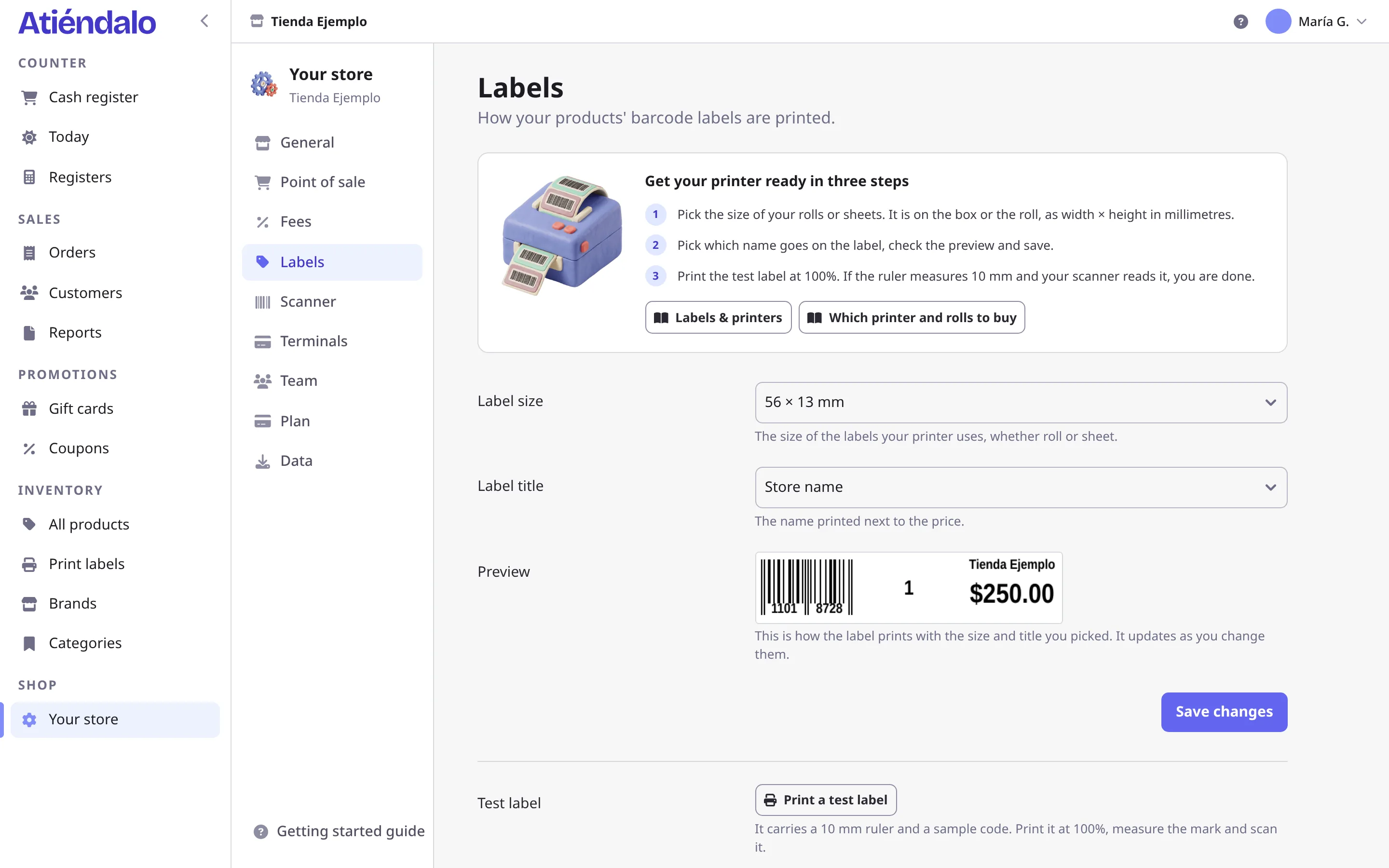
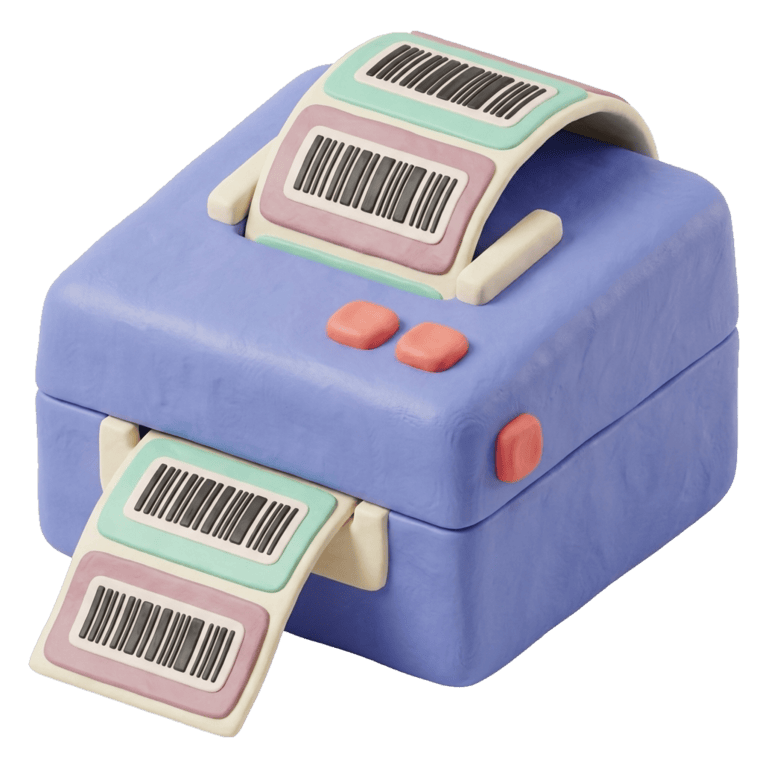
Supported formats and rolls
Any 203 dpi direct thermal printer, or the office printer with adhesive sheets.
| Size | Printer | Typical use | Content |
|---|---|---|---|
| 56 × 13 mm | Thermal roll | Jewelry, earrings, necklaces, rings (wrap label) | Barcode, piece number, title and price |
| 50 × 30 mm | Thermal roll | Hanging clothes, shoes, accessories | Brand, name, code and price |
| 58 × 40 mm | Thermal roll | Bags, cosmetics, ceramics, candles | Brand, name, code and price |
| Avery Letter / A4 | Laser or inkjet | Shops starting without a thermal printer | Full sheet, 24 to 65 labels per page |
Which printer to buy? The recommended hardware guide picks one per budget.
Millimetre precision for your counter
One barcode per product, automatically
Creating a product generates a shop-unique EAN-8. If the maker already labelled it, you keep their code and the check digit is validated.
True-scale PDF for thermal rolls
The bars snap to whole 203 dpi dots, which is what Xprinter, Zebra, Niimbot, Beeprt and Phomemo print. That is why the scanner reads them the first time.
Avery sheets for ordinary printers
Without a thermal printer you print sheets of adhesive labels on Letter or A4 and pick the first cell, so a half-used sheet is never wasted.
A test label with a 10 mm ruler
One label with a printed ruler tells you whether the printer is at 100 % scale. Adjust once and every label comes out to size.
Frequently asked questions
Do I need a special printer?
No. A thermal roll printer is nicer day to day, but you can start with Avery sheets on any office printer.
Which barcode scanner works?
Any USB or Bluetooth reader that acts as a keyboard (HID mode), which is nearly all of them. Without a reader, the phone scans with its camera.
Can I keep the barcode the product came with?
Yes. It is validated on entry (EAN-13, UPC, EAN-8) and used instead of the generated one. It has to be unique within your shop.
How many labels does a stock receipt print?
As many as you ask for. By default one per unit received; you can also print one per product or a fixed number.
Can brands print their own labels?
The shop prints them. Registering a stock receipt prints one label per unit received, in your format, and a piece that already has a factory barcode keeps it.
Another question? The help center has the long answer.
Keep reading
Ready to put your shop in order?
Start your 15-day trial. No card, no lock-in, every feature included.
15-day trial, no card. 500 MXN a month, everything included.