Running the shop
Which label printer to buy for your shop
Thermal or sheet labels, 203 dpi, which roll size is for what, USB or Bluetooth, and what to check before you pay for a label printer.
Updated Monday 28 September 2026 · 7 minute read
The label printer is the piece of hardware people buy on impulse most often, and the one they return most often. The problem is rarely the make. It is buying one that won’t take the roll you need, one that prints on paper you can’t find in your city, or one that works fine but that nobody set to the right print scale. This guide goes in order: first the kind of printer, then the roll, then how it connects, and finally what to check before paying.
Thermal rolls or office sheets
There are two ways to print barcode labels.
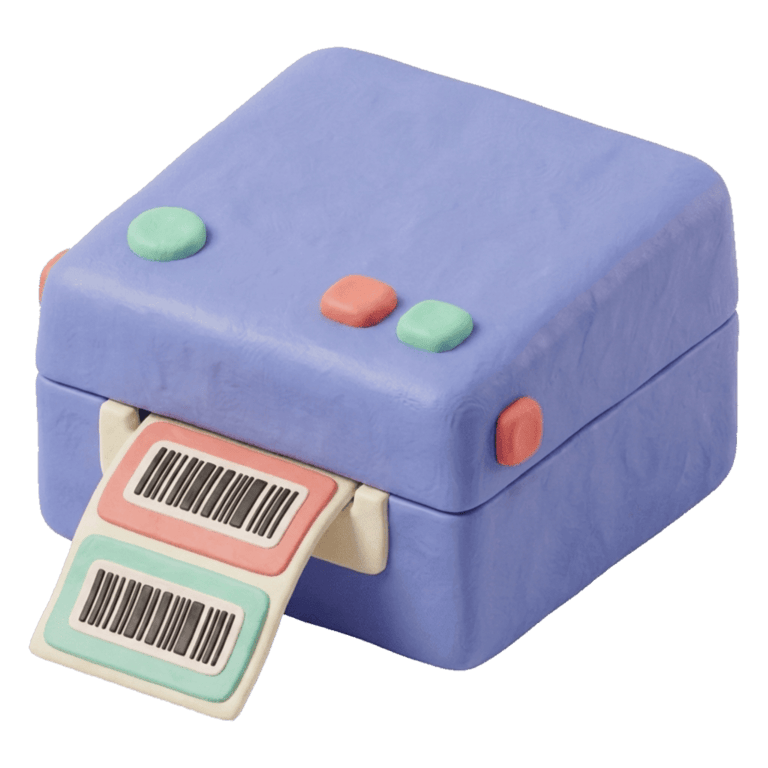
Thermal roll printer. It prints one label at a time on a roll of adhesive labels. It uses no ink or toner: the print head heats the paper and the image appears. It is the standard in retail because you print exactly the labels you need, when you need them, without wasting a sheet.
Label sheets in an office printer. A laser or inkjet you already own, with Letter or A4 sheets of pre-cut labels. The most common layout is 30 labels per Letter sheet (the Avery 5160 layout and its equivalents). It lets you start without buying anything, but each label costs more, half-used sheets go to waste unless your software can start at a later cell, and a sheet label is bigger than a small item needs.
| Thermal roll | Sheet in an office printer | |
|---|---|---|
| Consumable | Roll of thermal labels | Letter or A4 label sheets |
| Prints | One at a time, what you need | A full sheet, or by cell |
| Small sizes (jewelry, accessories) | Yes | Few |
| Start without buying anything | No | Yes |
| Daily use at the counter | The norm | Gets slow |
If you already sell every day, a thermal printer pays for itself in time saved. If you are still testing the waters, sheets let you start today.
Direct thermal or thermal transfer
Thermal printers come in two technologies, and the listing doesn’t always make it clear.
- Direct thermal. The paper itself reacts to heat. There is no ribbon and nothing else to buy. The label fades over time with sunlight and heat, but for an item that sits on a shelf for weeks or months, that is plenty.
- Thermal transfer. The head melts a ribbon onto the label. It lasts for years and resists rubbing and chemicals, but you buy ribbon on top of the roll and have to load it correctly.
For a clothing, accessories, jewelry or gift shop, the practical choice is direct thermal. Many transfer printers can print direct thermal as well, but not the other way around: check that the model accepts direct thermal rolls.
203 dpi is enough
Resolution is measured in dots per inch (dpi). Nearly every affordable label printer is 203 dpi, about 8 dots per millimetre. For a product barcode that is enough: a narrowest bar of 0.25 mm, a comfortable floor for a counter scanner, is exactly 2 dots at 203 dpi.
300 dpi printers draw finer text and smaller codes, useful if you print tiny labels with a lot of text. A shop doesn’t need one. What does matter is that the software generating the label draws bars in whole multiples of the printer’s dots; otherwise some bars come out thicker than others and the scanner hesitates.
Which roll size, for what
The roll decides what fits on the label, so choose it before the printer. Sizes are given in millimetres, width by height.
| Roll | What it is for |
|---|---|
| 56 × 13 mm | A long, thin label that folds around an earring card, a necklace or a garment’s string. The code sits at one end and the price at the other. |
| 50 × 25 and 50 × 30 mm | General use: the code, the price and the full product name fit. If in doubt, start here. |
| 40 × 30 mm | Shelf labels or small boxes. Watch out for long manufacturer codes, which sometimes don’t fit. |
| 58 × 40 mm | Room to spare: products with long codes, gift cards, or QR labels a customer takes home. |
| 27 × 13 mm | The minimum. A short code and the price fit, nothing more. |
Two things to check when buying rolls: that the roll is as wide or narrower than the printer’s maximum, and that the adhesive is removable if you label consignment stock, so the owner can take the piece back clean if they pull it.
USB, Bluetooth or portable
- USB. The most reliable option for a fixed computer at the counter. You set it up once and it keeps working.
- Bluetooth. Useful if you print from a tablet or a phone, or want the printer free of a desk.
- Portable. Pocket printers with a battery print from a phone app. They are handy for labeling in a stockroom or at a market stall, but many take proprietary rolls, don’t always have a computer driver, and some only print from their app, not from a PDF.
If you will print from a web browser on a computer, the question that matters isn’t USB or Bluetooth: it is whether the manufacturer offers a driver for your operating system.
What to check before you pay
- Direct thermal, not transfer only.
- Maximum roll width equal to or larger than the one you’ll use.
- A driver for Windows or macOS, whichever you have. Without a driver, the printer only prints from its own app.
- A gap sensor, so it knows where each label begins. Nearly all have one; confirm it can be calibrated from a button.
- Rolls that are easy to find locally or online, in the size you chose.
- Warranty and who handles it, especially if you buy on a marketplace.
Once it arrives, there is one step you never skip: print at 100 % scale (“actual size”), never “fit to page”. A barcode printed at 90 % looks the same to the eye, and the scanner no longer reads it. Measure a mark of known length with a ruler to confirm. Why a code scans or doesn’t is covered in Your own barcodes or the manufacturer's.
Some models that qualify
These families are 203 dpi and easy to find in Mexico. They are not the only ones; they are examples of printers that meet the list above. Always confirm roll width, driver and warranty with the seller.
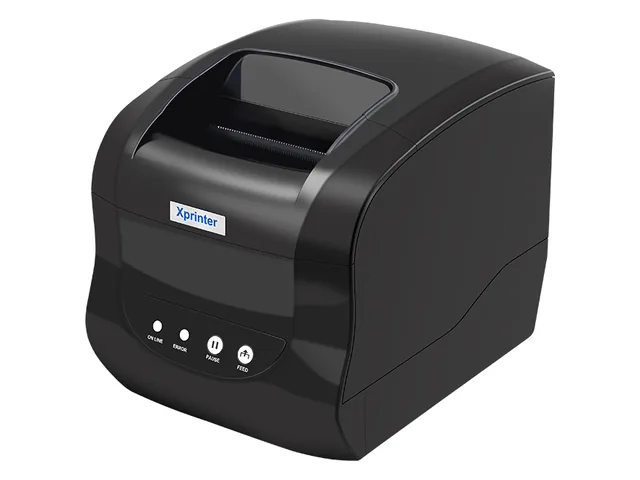
Xprinter XP-365B
The cheap, reliable pick. This is the one we recommend if it is your first printer.
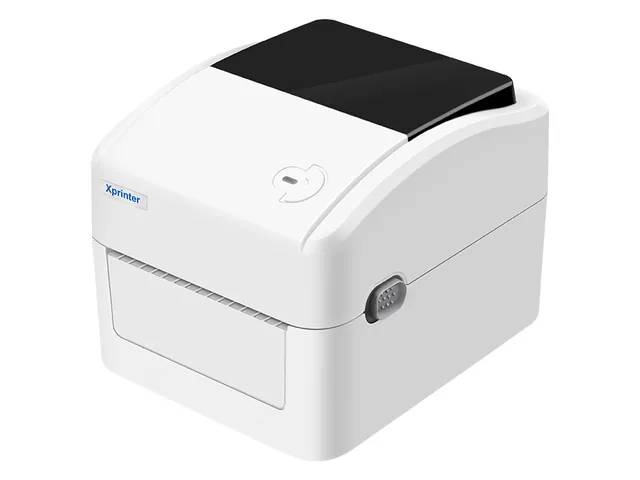
Xprinter XP-420B / XP-470B
The same thing but faster, with better feeding. For labelling hundreds of pieces in a row.
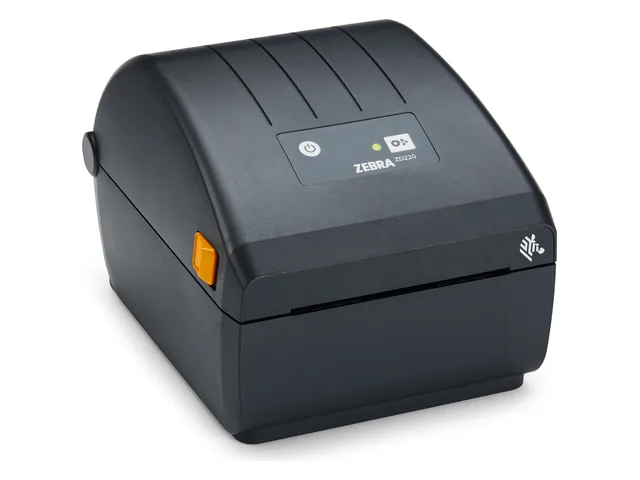
Zebra GK420d / ZD220
The retail standard. Expensive, but it lasts years and you can get parts.
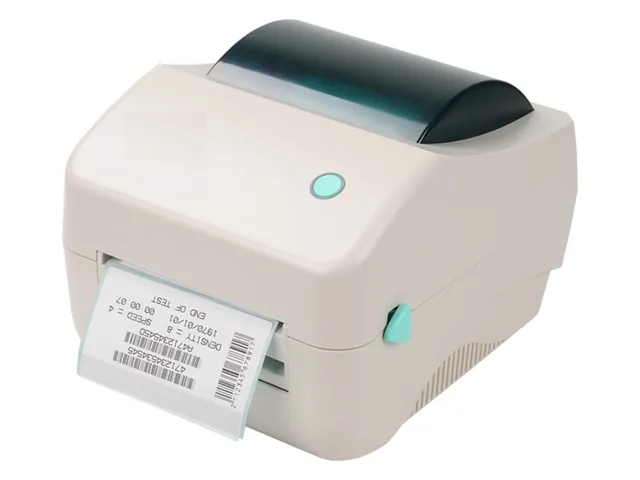
Beeprt 110 mm
Takes wide rolls and connects over Bluetooth, handy if you label from a tablet.
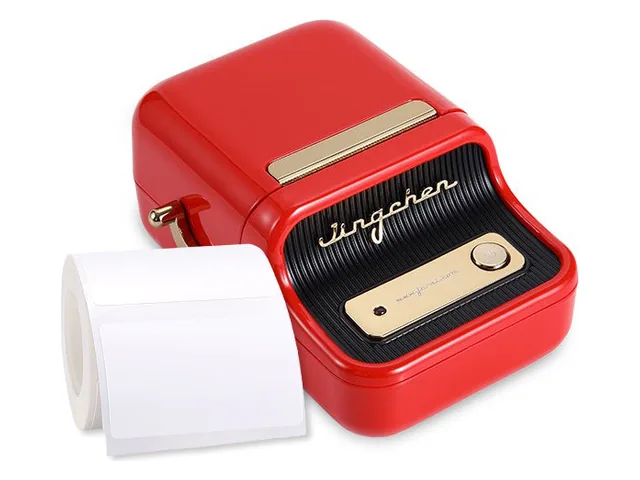
Niimbot B1 / B21
Pocket-sized and portable, driven from the phone. Uses the brand's own rolls.
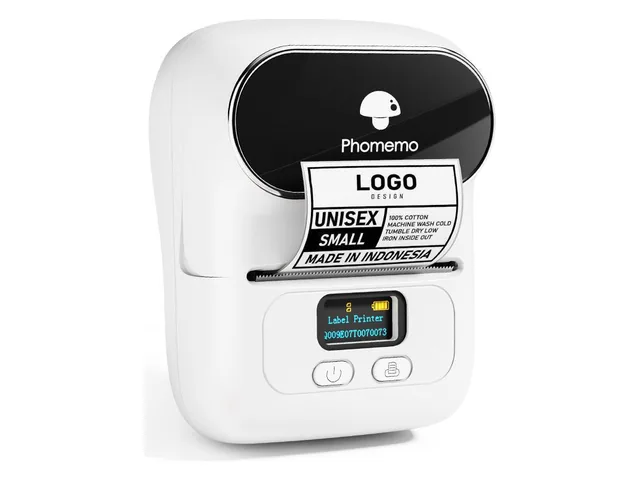
Phomemo M110 / M120
Portable and cheaper than the Niimbot, with the same pros and cons.
Labels that come out right the first time
The Barcode labels page explains what Atiéndalo does with all this: it generates a PDF at the exact size of your roll or sheet, with bars snapped to the dots of a 203 dpi printer and the blank margins a scanner needs. It ships with 56 × 13, 51 × 25, 27 × 13, 40 × 30, 50 × 30, 50 × 25 and 58 × 40 mm rolls, three sheet layouts (Letter with 30 and two A4 ones), and any custom roll from 15 to 120 mm. A test label with a 10 mm ruler tells you whether the scale is right before you spend the roll, and on a half-used sheet you can start at the next free cell.
If you already use Atiéndalo, the setup recipe is in Labels & printers and the full hardware list in What to buy for your shop.
If you already use Atiéndalo
- What to buy for your shop — Printers, readers, cash drawers and accessories that work with Atiéndalo, with links to buy them.
- Labels & printers — Which printer to buy, how to set it up once, and how to print labels that actually scan.